An energy operator had a compliance problem that looked, on the surface, like a calendar problem.
Their team was responsible for hundreds of recurring tasks — emissions tests, equipment inspections, permit renewals, pipeline surveys, safety checks — spread across a dozen facilities. Some tasks applied to every site. Others were specific to a single crane, a single permit, a single piece of equipment that only existed in one place.
They were tracking all of it in Outlook.
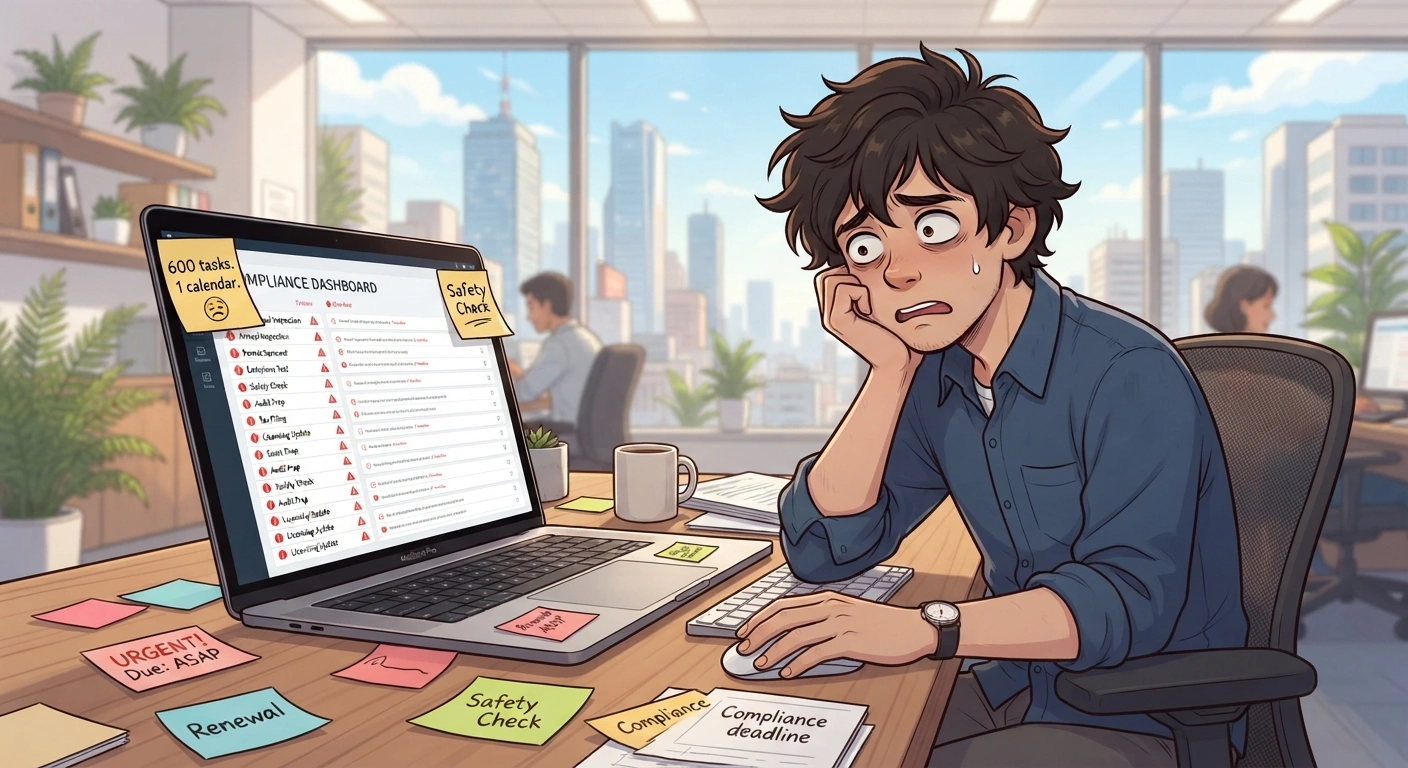
How it worked before
Each task lived as a calendar entry. When something was due, the assignee got a reminder — one reminder, set at the time the entry was created. If the task was quarterly, someone had to remember to re-create the entry next quarter. If the task slipped past due, Outlook had no way to keep following up.
The bigger problem was visibility. Each group managed its own calendar. There was no way to see, from one place, the compliance status of a facility — let alone across twelve of them. When an auditor asked what had been done and when, the answer was somewhere in someone's inbox.
The system wasn't wrong for what it was designed for. It was wrong for what it was being asked to do.
The actual scope
When we mapped the full picture, the task list ran to nearly 600 items. Emissions monitoring across multiple regulatory jurisdictions. Annual and biennial inspections of pressure vessels, cranes, generators, and fire suppression systems. Drug and alcohol testing verification. Cathodic protection surveys. Hazardous waste reports. Air permit renewals across multiple regulatory bodies.
Some of those tasks recurred daily. Some annually. Some every two years.
The key constraint: not all tasks applied to all facilities. A crane inspection only matters where there is a crane. An air permit renewal belongs to the site that holds the permit. The compliance burden was not uniform — it was a matrix of tasks, facilities, recurrence schedules, and responsible individuals that no shared calendar was going to hold cleanly.
What replaced it
We built a compliance module inside the company's existing internal portal. The core of it was a task registry — every compliance obligation defined once, assigned to one or more facilities, with a recurrence schedule and a list of assignees per location.
When a task comes due, the assigned individuals receive an email reminder. Not once — every day, until the task is marked complete. That escalation was deliberate: in a shared calendar, a missed reminder means the task silently falls through. Here, the system keeps surfacing it until someone acts.
Completion requires a date and what was done. Files can be attached — inspection reports, test results, sign-off documentation. Once complete, the next occurrence is automatically scheduled from the completion date, not from a fixed calendar interval. A task that runs six months from last completion stays six months from last completion, even if it ran late.
The part that took the most thought
The client had one requirement that shaped the data model more than anything else: task IDs could not change.
This matters in compliance contexts. When a regulator asks for the record on a specific task, you need a stable reference — something that doesn't shift when the task recurs, gets edited, or changes assignees. The ID is the thread that connects every iteration of a task back to a single traceable origin.
What we built was a chain. Every task has a root ID — the original record — and a parent ID pointing to the task immediately before it. When a task completes and the next recurrence is created, the new record carries both: its own unique ID, its parent's ID, and the root that started the chain.
The result is a full lineage for every task. You can pull every completion of a recurring inspection at a specific facility in sequence, in order.
What makes that lineage actually useful is the snapshot. When a task is marked complete, the entire task definition at that moment is frozen with the record — the title, the description, the assigned location, the assignee list. If the task description changes next quarter to reflect a regulatory update, the historical record still shows exactly what was asked of the person who completed it six months ago. The log reflects what actually happened, not what the task looks like today.
What to figure out before building
The software was straightforward once the requirements were clear. The requirements took longer.
Map the tasks before touching a tool. Every compliance obligation, with its recurrence rule and the facilities it applies to. If your team can't agree on that list, that disagreement is what needs resolving first — it won't get easier inside a software project.
Decide what "done" means, specifically. A checkbox is not enough. What documentation is required? Who needs to confirm it? Does the next recurrence start from the scheduled date or from the completion date? These decisions have audit implications.
Think about the identifier before you think about anything else. If any external system, regulatory body, or internal process will reference a task by ID, that identifier needs to be stable from day one. Retrofitting traceability after the fact is expensive.
The reminders need teeth. A single notification on the due date is not a compliance system. Daily reminders after the due date — or tiered reminders in the weeks before — are what turn a notification into accountability.
A question for your team
If a regulator asked you tomorrow to show every completion of a specific recurring inspection over the past three years — who completed it, when, what state the task was in at the time — how long would that take to produce?
If the answer involves searching through emails or calendar history, that is worth a conversation.